
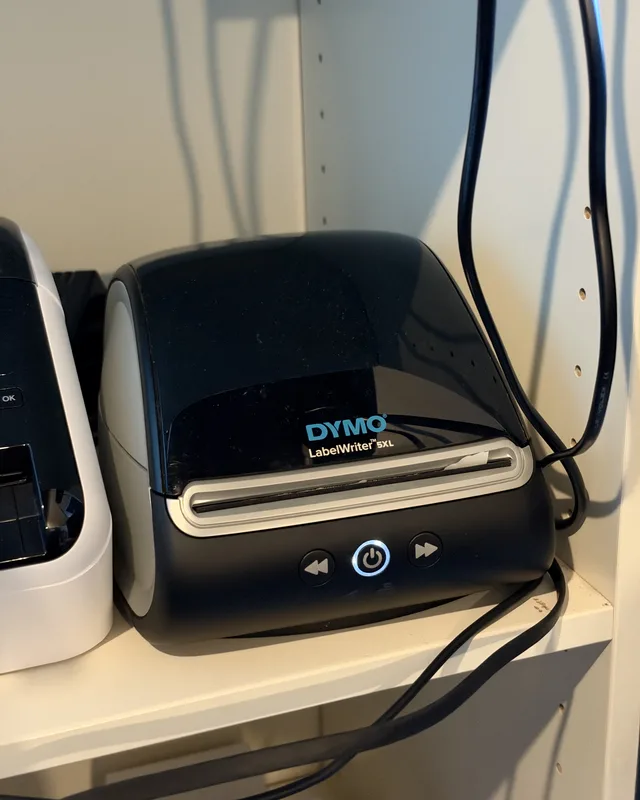
DYMO LabelWriter 5XL on Mac and Windows. Without drivers or DYMO Connect.
Yes, the 5XL works without DYMO Connect, on both Mac and Windows. LumenLabel speaks the newer DYMO printer language itself, so you do not need any extra driver either. I bought this 5XL secondhand online, and one day I was standing in the living room with my daughter admiring a strip of test labels stretching all the way from the kitchen.
What I tested
- Mac, via USBWorksMy own 5XL with a genuine 102 × 210 mm DHL roll.
- Mac, over the networkWorksAdded by IP address (port 9100) or .local name. A whole batch of labels runs through in a single connection.
- Windows, via USBWorksOver the standard Windows printer port (usbprint), with no DYMO driver.
- Windows, over the networkWorksMy own 5XL on Windows.
- DYMO LabelWriter 550 TurboWorksTested on paper at a customer. At first the print started 5.7 mm too low and lost a strip; with a fixed 5.67 mm start margin the label lined up.
Try LumenLabel for seven days with your own DYMO LabelWriter 5XL
Choose your computer
Bought secondhand after a smaller DYMO broke
Online I kept seeing lots of people asking about DYMO printers. First I bought a smaller DYMO, though that one turned out to be broken and had to go back. That got me thinking: I wanted one that could also print parcel shipping labels, using the newer DYMO protocol. That is how I ended up buying a secondhand 5XL.
It works really well, and it takes very long labels, like a 102 × 210 mm DHL roll. Recently I moved all my printers into a new cabinet, wired up to both Ethernet and USB. That makes testing much steadier. They stay powered on in a proper test setup, and I can even reach them remotely (including with a Raspberry Pi).
Does the DYMO LabelWriter 5XL work on a Mac without drivers?
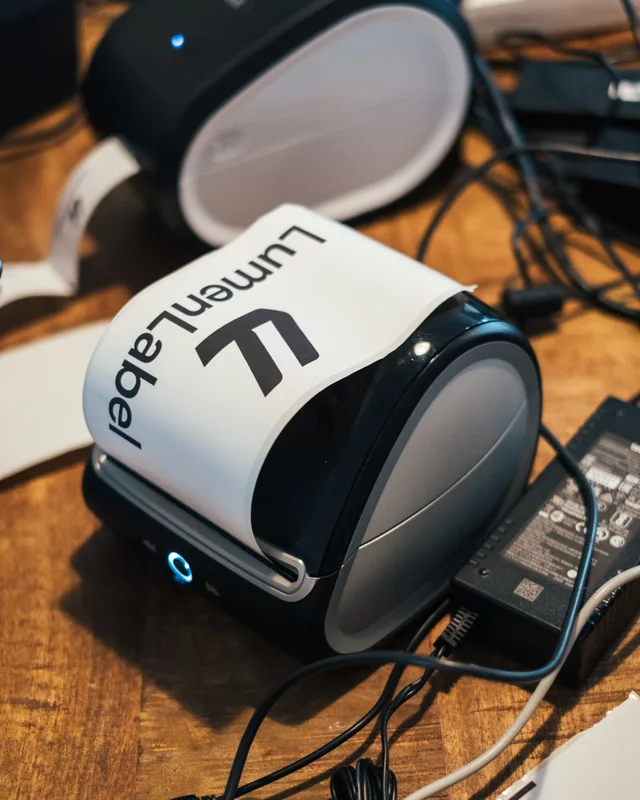
Yes. The very first time I plugged it in, nothing happened at all, and even the status light stayed still. The 5-series starts without a print lock and silently drops every job until the computer claims that lock. Once LumenLabel requested the lock first, the labels started rolling out.
On Mac and Windows, LumenLabel talks directly to the 5XL over USB or over wired Ethernet. Over the network you add it by IP address (port 9100) or by its .local name. Over USB on Windows it goes through the standard Windows port (usbprint), again without installing a separate driver.
Loading a roll into a DYMO still takes a bit of fiddling every time. If it is unhappy about something, the light starts blinking. Also, the 5XL does not report an open lid in its status, so check that the cover is closed yourself. Once it is happy, it feeds and prints reliably.
A strip of labels from the kitchen to the end of the living room
These labels are 21 centimeters long. Earlier on, the 5XL used to stumble when printing multiple labels over the network. I walked upstairs and the entire floor was covered in test labels.
So I enthusiastically said: let us test this properly. A whole run came out. It was only about twelve labels, though because each one is so long it turned into a massive strip. My daughter and I stood in the living room looking at it. Look how long that thing is. Literally from the kitchen to the far end of the living room.
LumenLabel now sends an entire network batch in a single connection with one print lock. It worked back then, and now it runs steadily.
An alternative to DYMO Connect
DYMO Connect is available for Mac and Windows, and it prints fine on the 5XL. But every brand has its own program, and many people have a Zebra or a Brother next to their DYMO. Then you end up with two or three programs that all work differently. I just want one place for everything.
In LumenLabel you design labels and crop shipping labels out of a PDF the exact same way whether you print to a DYMO or a Zebra. You do not have to juggle separate apps for every brand on your desk.
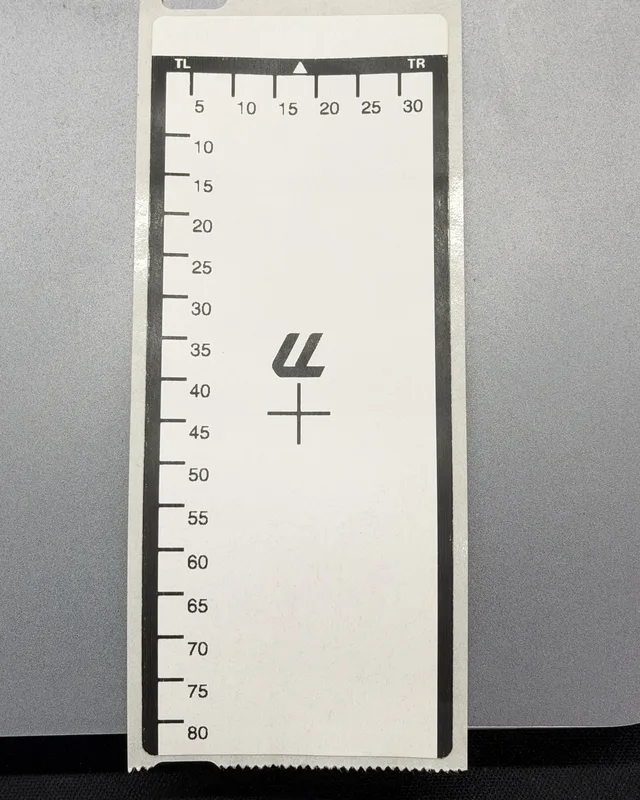
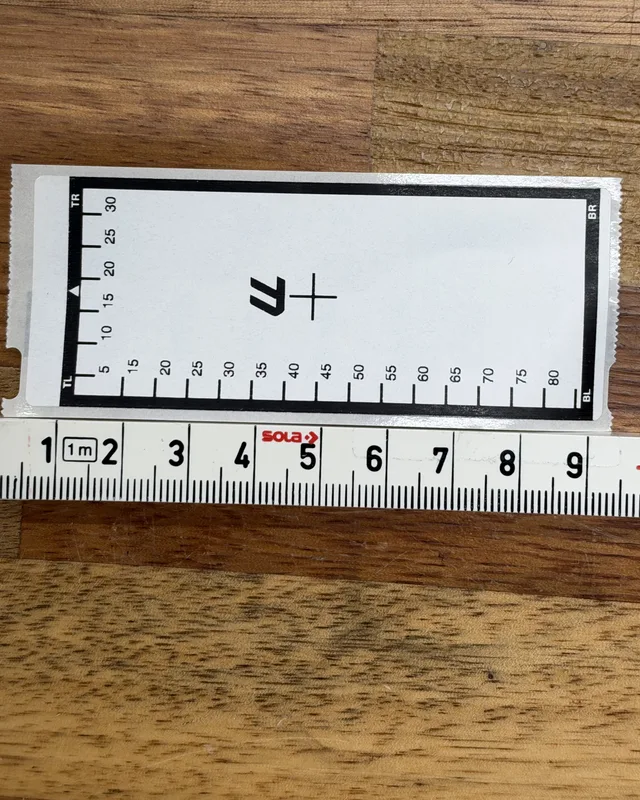
The 5XL reads the roll SKU from the chip in the roll, and LumenLabel maps that code to the right label size. As far as I can test now, the 5XL does not have the per-roll margin differences of the 450, and you can nudge the output using X and Y position adjustments. There is deliberately no darkness slider for the 5XL: the printer ignores darkness commands and even locks up with a fake paper jam on the quality command, so it prints in its own fixed mode.
That chip inside DYMO rolls
The fact that DYMO rolls have a chip and the printer refuses other rolls really annoys me. It is the same trend you see with regular inkjet printers. A manufacturer locks everything down so tightly that there is no real competition left. Otherwise you would just buy other labels, and they are just as good, because it is simply thermal paper.
They are good printers and good labels, they just design them so they make more money from the consumables. That bothers me. On the Zebra printers sitting in my cabinet I can drop in any roll size and they run smoothly. Even cheaper Chinese printers work without fuss, at almost the same print quality. I honestly do not understand why they do this.
The chip check lives inside the printer's own firmware. Chipless rolls are rejected and software cannot get around that (we do not build anything to try either). Third-party rolls with a compatible chip do work, because the printer accepts them itself.
What about the DYMO LabelWriter 550 Turbo?
The 550 and 550 Turbo speak the same newer DYMO language as the 5XL and have their own profile in LumenLabel. The main difference is width: the 550 series prints up to 62 mm wide, so 4 × 6 inch shipping labels only fit on the 5XL. Also, only the 550 Turbo (like the 5XL) has a wired Ethernet port; the standard 550 is USB only.
I tested a 550 Turbo on paper at a customer. At first the print started 5.7 mm too low and cut off a strip at the end. The 550 starts printing 5.67 mm after the leading edge (with no side margin). Once the app used that start margin, the label lined up cleanly.
One thing to keep in mind for the 550 Turbo: network settings like a static IP address can only be viewed and changed through DYMO Connect, because the printer has no built-in web page.
The 5XL at a glance
- Print technology
- Direct thermal, no ribbon
- Resolution
- 300 dpi
- Printhead
- 104 mm wide
- Labels
- Up to 104 mm wide, including 4 × 6 inch (104 × 159 mm) and DHL (102 × 210 mm)
- Roll chip
- Rolls with a valid chip only; size and type are read automatically
- Connection
- USB and wired network (Ethernet, port 9100)
- In LumenLabel
- X and Y position shift, fixed print mode without darkness control
- 550 series
- Same protocol, up to 62 mm print width; Ethernet on the 550 Turbo only
Connect in four steps
- 1
Plug the 5XL in via USB (Mac or Windows) or connect an Ethernet cable to your router. You do not need DYMO Connect or extra drivers.
- 2
Load a DYMO roll with a valid chip and make sure the cover is closed properly.
- 3
Open LumenLabel and select the DYMO LabelWriter 5XL, or add it over the network using its IP address (port 9100) or .local name.
- 4
Print one test label and adjust the X or Y position if needed before running a stack of shipping labels.
Questions about the DYMO LabelWriter 5XL
Do I still need DYMO Connect for the LabelWriter 5XL?
No, not for printing. DYMO Connect exists for both Mac and Windows, though LumenLabel talks to the 5XL directly without a driver or extra software. The one exception is changing a static IP address on a 550 Turbo, which still requires DYMO Connect because that printer has no web interface.
Can LumenLabel bypass the 5XL roll chip check?
No. The roll chip check is enforced inside the printer's own firmware. Software cannot bypass it, and we deliberately do not build workarounds for it. Third-party rolls with a compatible chip do work, because the printer accepts them itself.
Can I print a whole batch of shipping labels over the network on the 5XL?
Yes. LumenLabel sends an entire network batch in a single connection using one print lock. In the Shipping tab you open your PDF, crop the label and send them through back to back.
Why did the 550 Turbo cut off a strip at the edge of the label?
The 550 series starts printing 5.67 mm after the leading edge of the label. Without compensating for that offset, prints started too low. With the right start margin in LumenLabel, the label lines up properly, as I verified on paper at a customer.
Can I share the LabelWriter 5XL with a second computer?
Yes. If it is connected over USB to a Mac or Windows PC, turn on sharing in LumenLabel and print from a second computer on the same network. The steps are in Share a printer.
Print one label on your own 5XL
Try LumenLabel for seven days on your own Mac or PC, with your own roll. If that first shipping label comes out sharp and straight, you can move on without DYMO Connect.